
LLM Providers
Devify is not tied to any single LLM vendor. Model providers are configured in the management console after startup (not primarily through .env). Devify needs at least one multimodal model for image understanding and intent detection.
Add a provider
Open /management/llm/config and click Add config. Each LLMConfig entry sets api_key, api_base, model, deployment (Azure), and optional max_tokens, temperature, top_p, and request timeout. Use the built-in connection test to validate each entry.
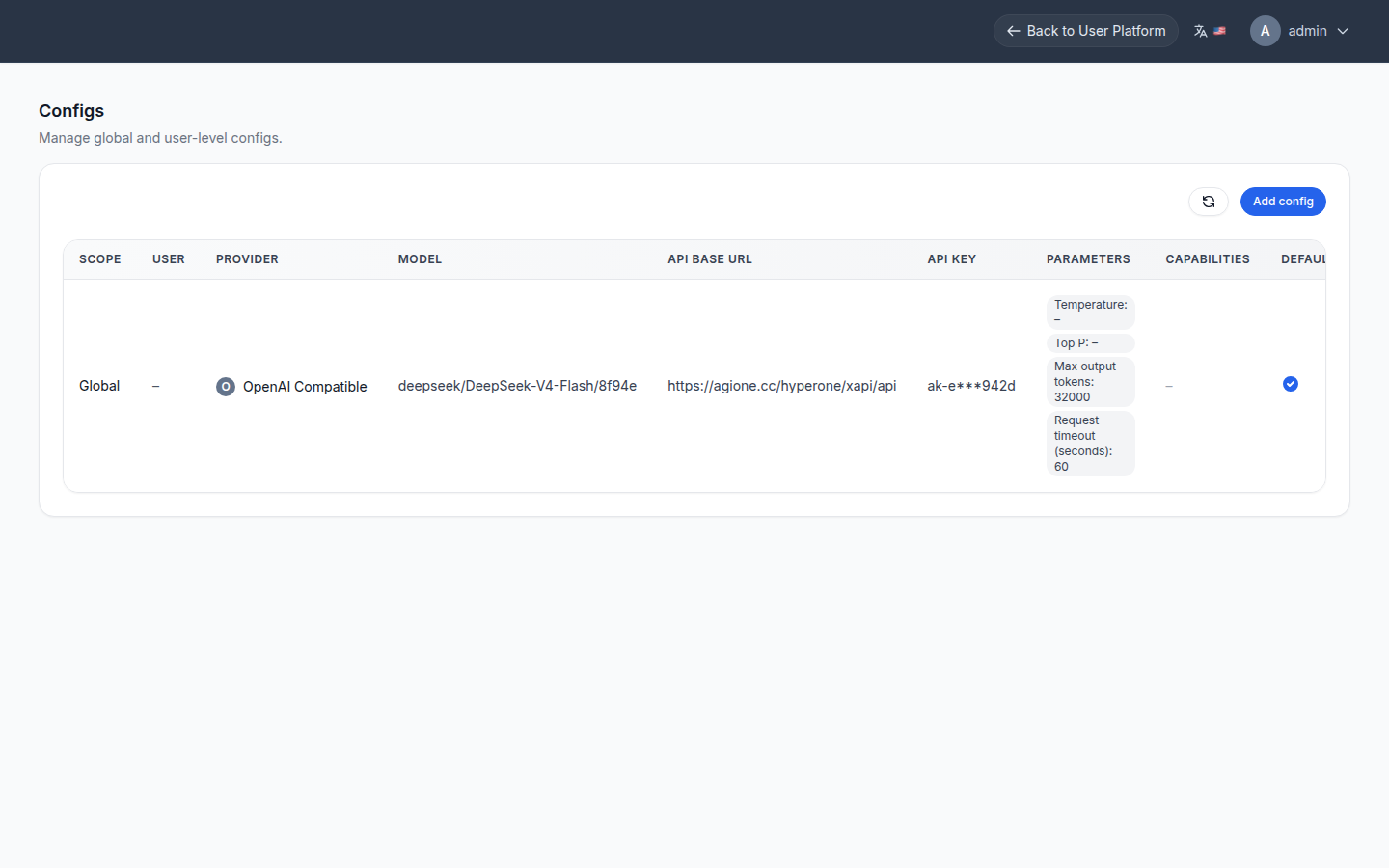
Tuning
Set
max_tokensgenerously for reasoning models — the value is the output budget and includes reasoning tokens, so a too-small value truncates JSON output and silently drops fields (e.g., tags).
If analysis completes but tags or the summary are missing with no error, that is almost always output truncation from a too-small max_tokens. Raise it and inspect the recorded token usage (completion_tokens hitting the ceiling) to confirm.
Bind the models
Adding a provider makes it available; you still bind which model each stage uses (multimodal, text, smart-delivery channel) under App settings & model binding.