
Using the Console
This guide explains how to use Devify day to day: signing in, navigating the console, and running the Threadline workflow end to end.
Concepts
- Threadline — the core workflow that turns forwarded conversations (chat records, email threads, screenshots) into a structured summary.
- Chat — one processed conversation. Email in, structured summary out; you browse the results under Chats.
- Smart delivery (Relay) — an app that subscribes to workflow-completion events and delivers the result to an external target (Jira, Feishu Bitable).
- LLM config — a bound model provider entry. Devify uses a multimodal model for images and a text model for summarization.
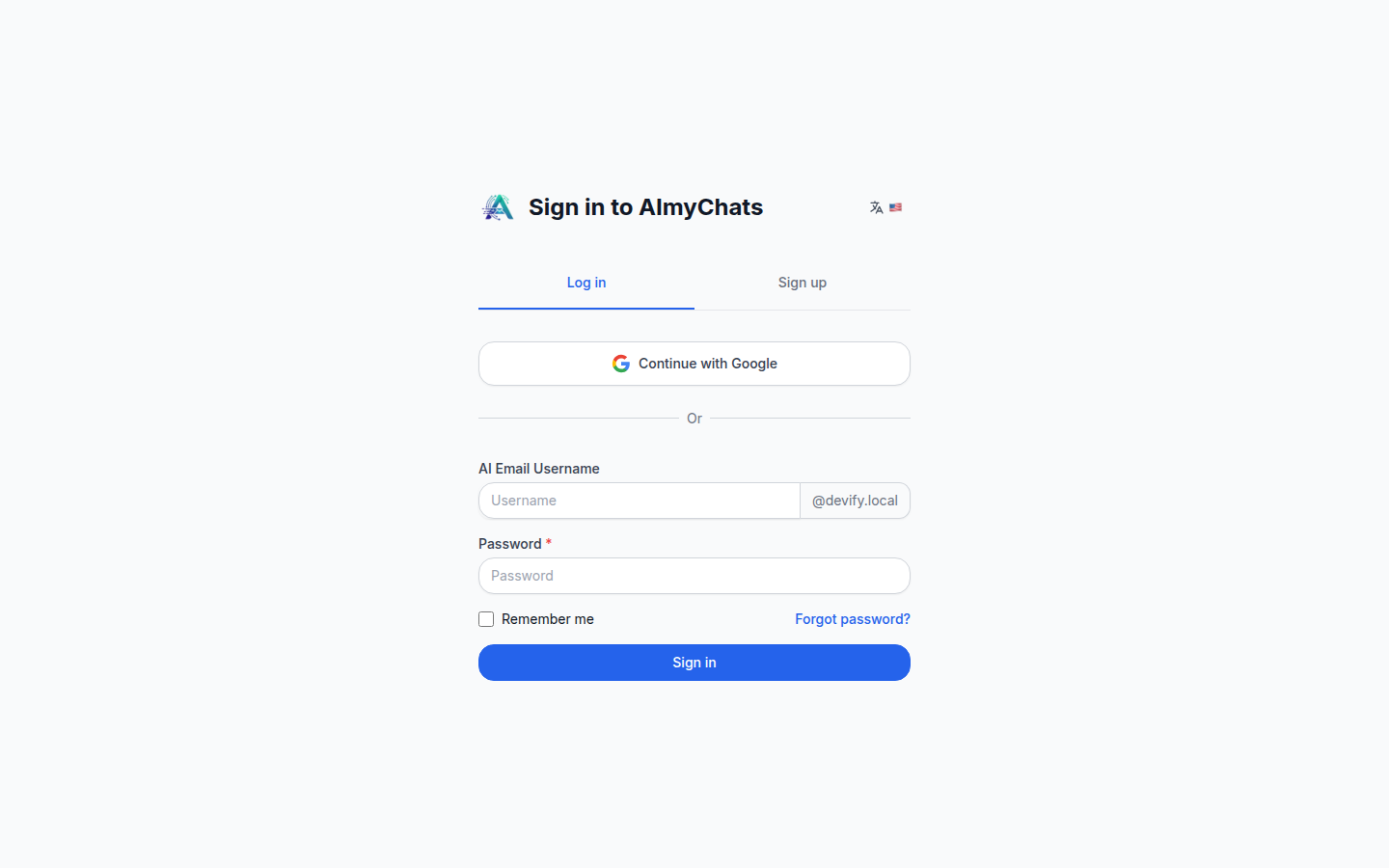
Signing in
Open your Devify URL and sign in with username / password, or Google if OAuth is configured. New users can register at /register; password reset is available from the login screen.
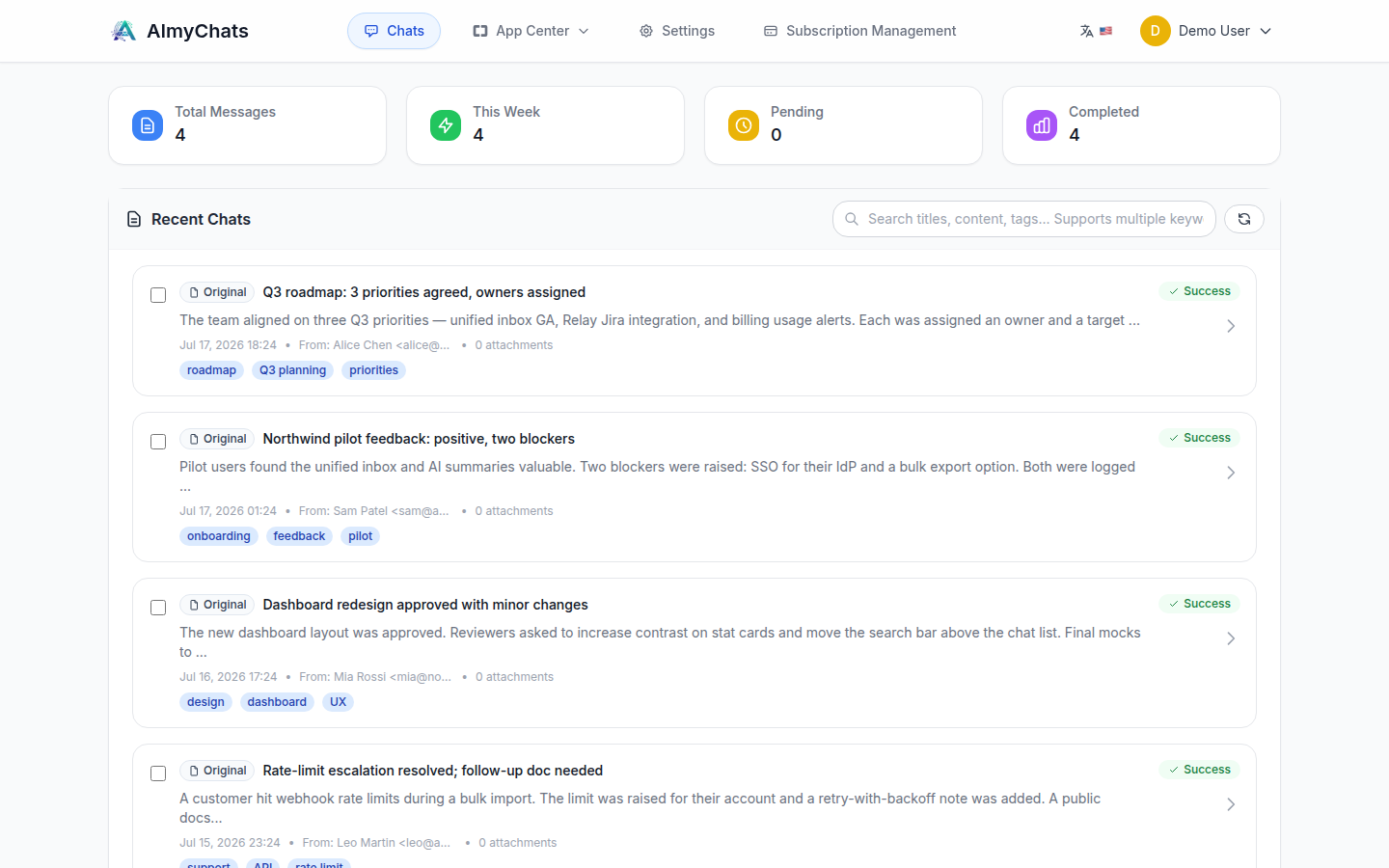
Console overview
After signing in you land on the chats dashboard. Primary navigation:
| Area | Path | What it's for |
|---|---|---|
| Chats | /chats | Browse processed conversations |
| TODOs | /todos | Action items extracted from conversations |
| App Center | /apps | Enable and open apps (e.g., Relay) |
| Settings | /settings | Profile and preferences |
| Billing | /billing | Credits and plan |
Threadline workflow (end to end)
text
Forward by email  ──▶  Inbound (Haraka / IMAP)  ──▶  Worker processing
                                                        │  image understanding
                                                        │  LLM content analysis
                                                        │  summary + metadata
                                                        ▼
                                              Structured Chat  ──▶  Smart delivery
(view under /chats) (Jira / Feishu)- Send content in by email — forward the chat record, email thread, or screenshots to your Devify inbox address (
{your-username}@{AUTO_ASSIGN_EMAIL_DOMAIN}). Both text and image attachments are supported. - Automatic processing — the worker runs multimodal image understanding and intent detection, LLM content analysis, then generates a summary and metadata (title, keywords/tags, TODOs). Status is visible on the chat while it runs.
- Review the result — open Chats and select the conversation.
- Deliver downstream (optional) — if a Relay channel is configured, the completed result is delivered automatically. See TODOs & smart delivery.
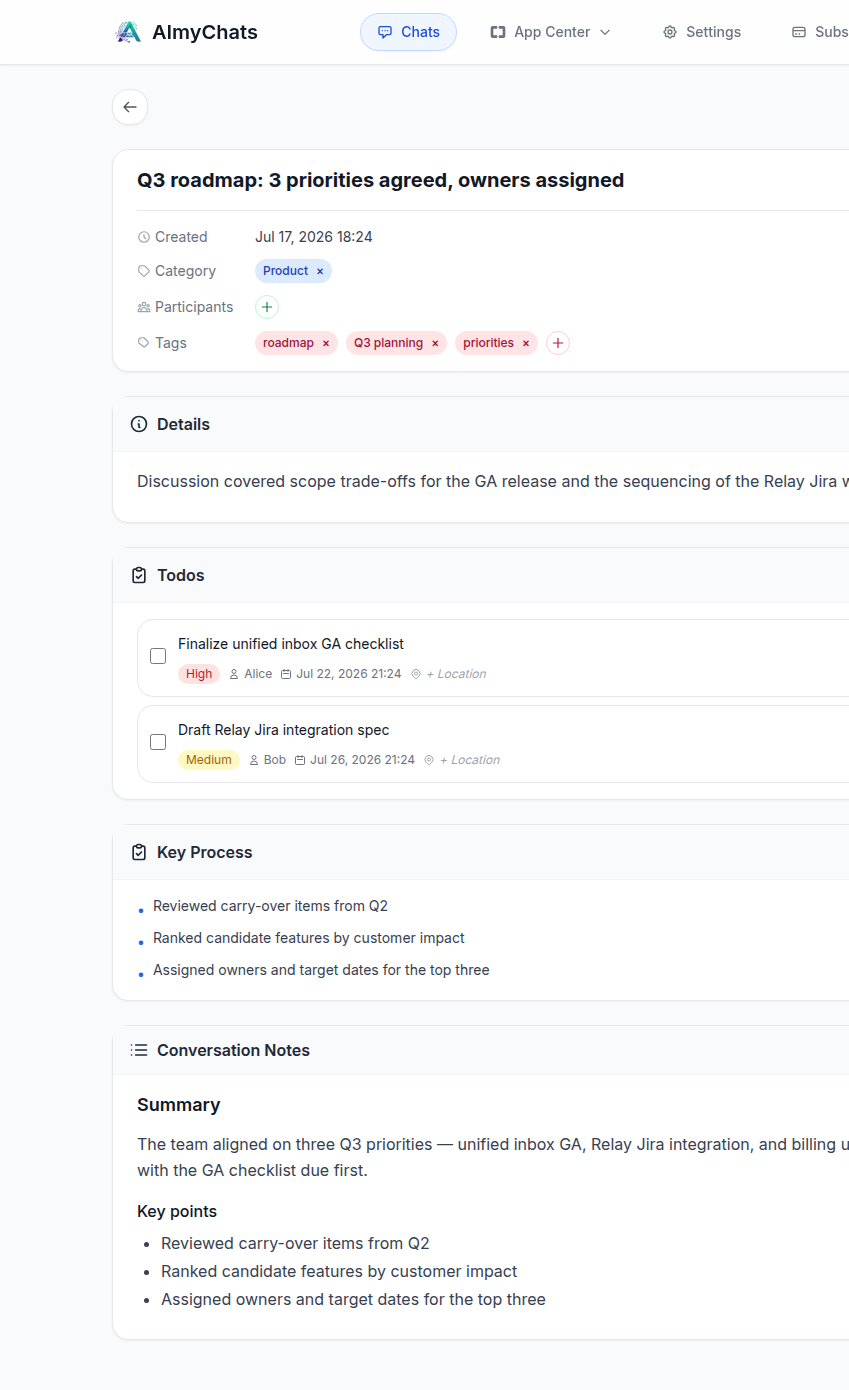
Working with chats
Under Chats each item is one processed conversation. Open one to see the generated summary (title and content), extracted metadata (keywords/tags), TODOs with any detected deadlines, and the original content and attachments.
Sharing — a chat can be shared via a read-only link for people without an account.