
App Settings & Model Binding
Adding an LLM provider makes models available; the app settings decide which model each stage uses and centralize runtime settings for Threadline, the smart-delivery channel, and failure notifications.
App settings
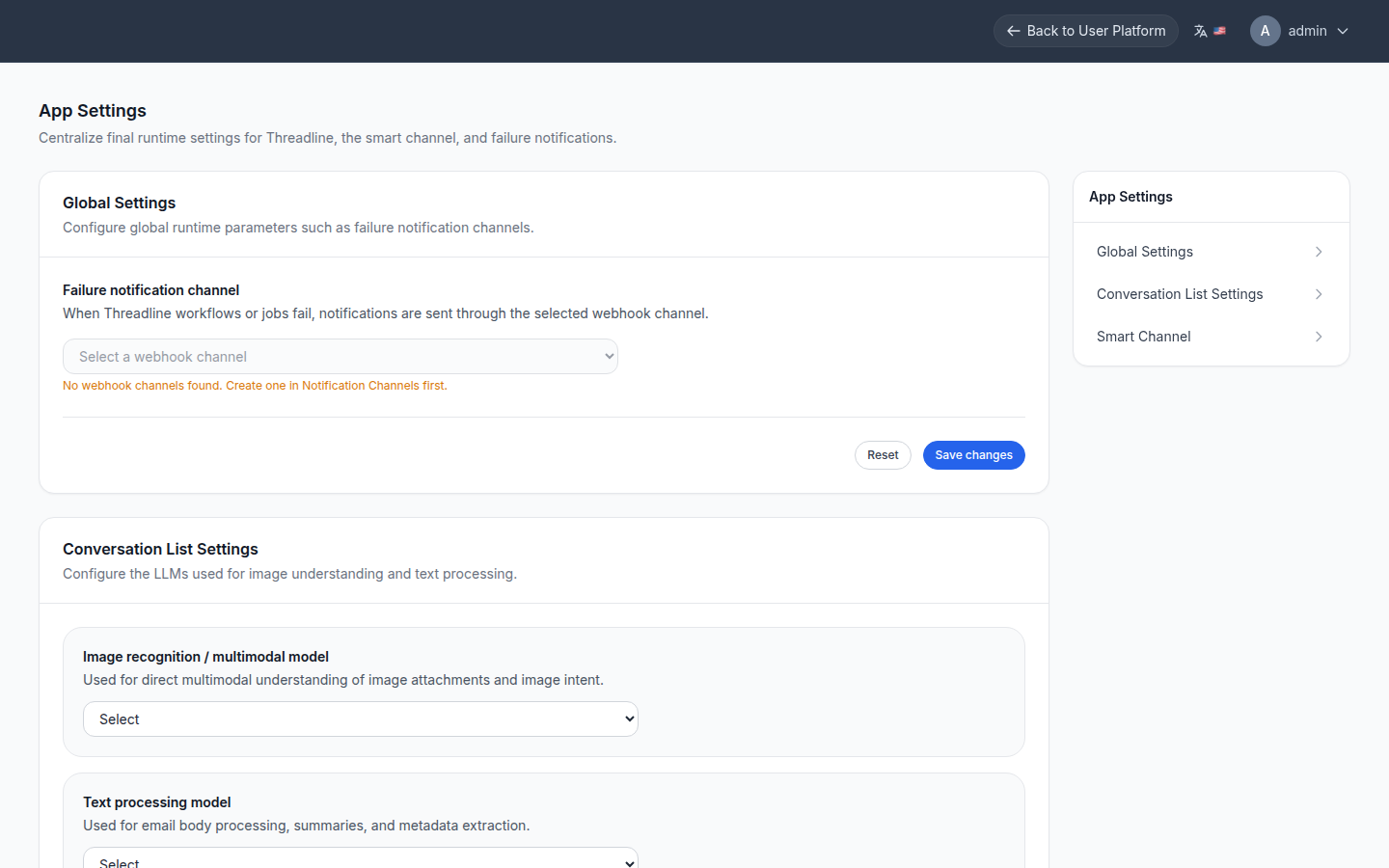
Open /management/app-settings. It groups:
- Global settings — runtime parameters such as the failure notification channel (select a webhook channel created under Notification channels).
- Conversation list settings — the LLMs used for image understanding and text processing:
- Image recognition / multimodal model — direct multimodal understanding of image attachments and image intent.
- Text processing model — email body processing, summaries, and metadata extraction.
- Smart channel — the model bound to smart-delivery (Relay) channels.
Threadline workflow config
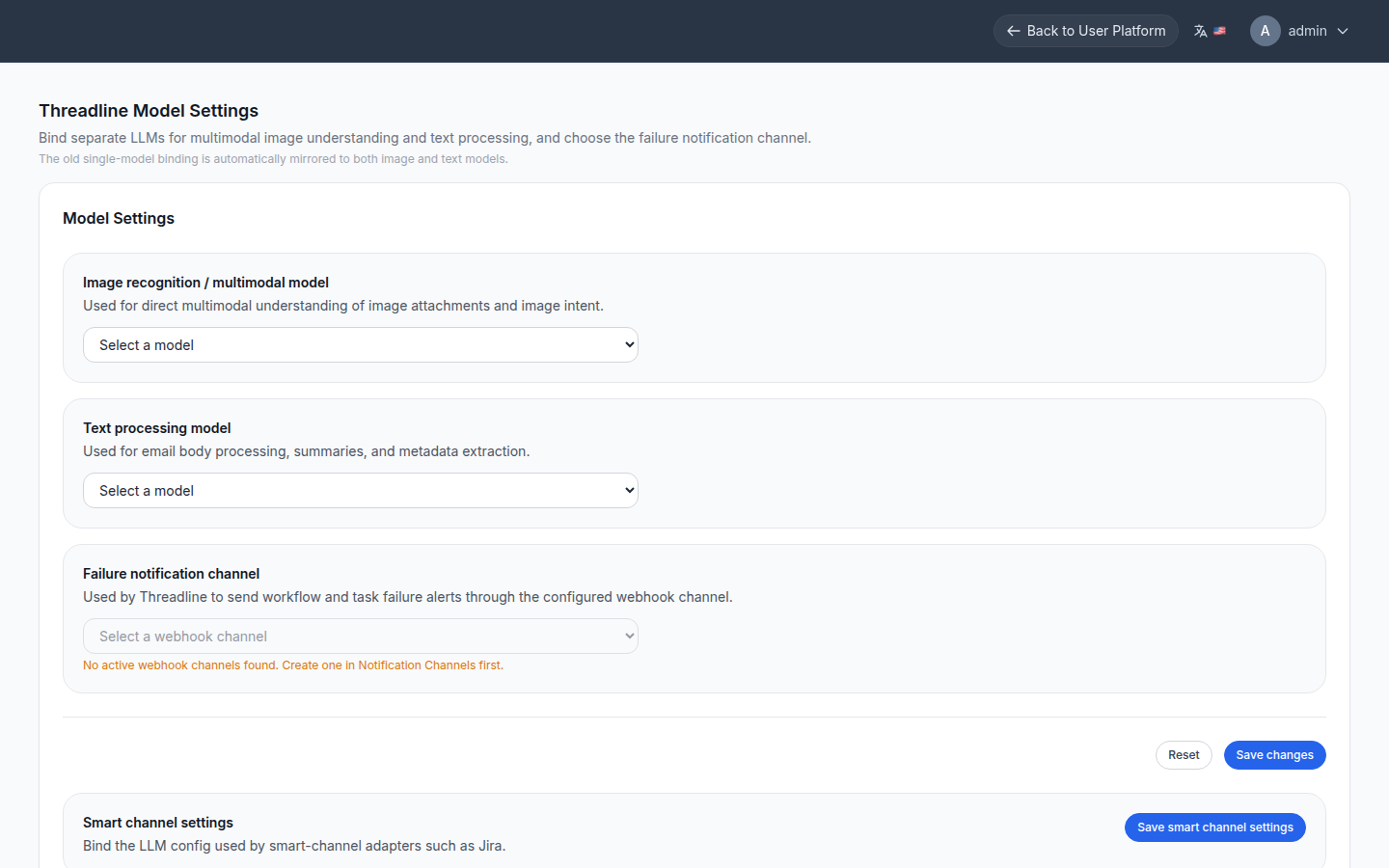
/management/threadline/config holds the Threadline workflow model settings and related options.
Other management pages
| Path | Purpose |
|---|---|
/management/llm/config | Provider credentials, models, defaults, connection testing |
/management/threadline/periodic-tasks | Scheduled tasks |
/management/notifier/channels | Webhook and notification channels |
/management/notifier/settings | Notification settings |
/management/billing/settings | Billing runtime settings |
Django Admin remains available for low-level inspection and legacy operations.