Email & Notifications
Devify uses email in two directions: outbound SMTP for account and failure notifications, and inbound mail (via Haraka) that feeds the Threadline workflow.
Outbound SMTP
Configure these in your env file:
| Variable | Purpose |
|---|---|
EMAIL_BACKEND | smtp for production, console for dev (prints to logs) |
EMAIL_HOST, EMAIL_PORT | SMTP server and port |
EMAIL_HOST_USER, EMAIL_HOST_PASSWORD | SMTP credentials |
EMAIL_USE_TLS | true to use STARTTLS |
DEFAULT_FROM_EMAIL | From address |
Inbound mail
Inbound mail is handled by the bundled Haraka server — see Inbound email (Haraka).
Notification channels
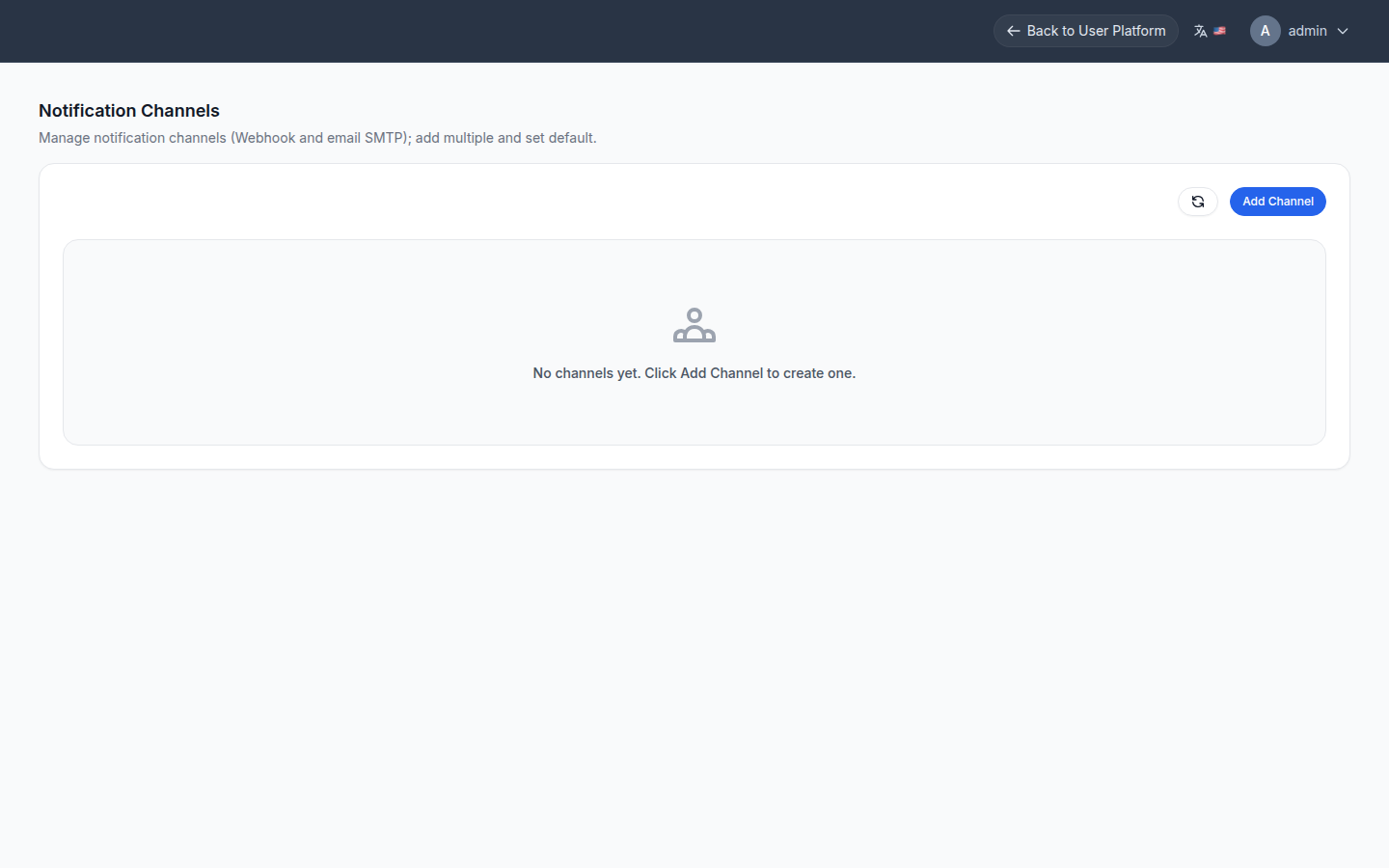
Failure notifications for Threadline workflows and jobs are delivered through a webhook channel. Create channels under /management/notifier/channels, then select the failure channel in App settings.