
TODOs & Smart Delivery
TODOs
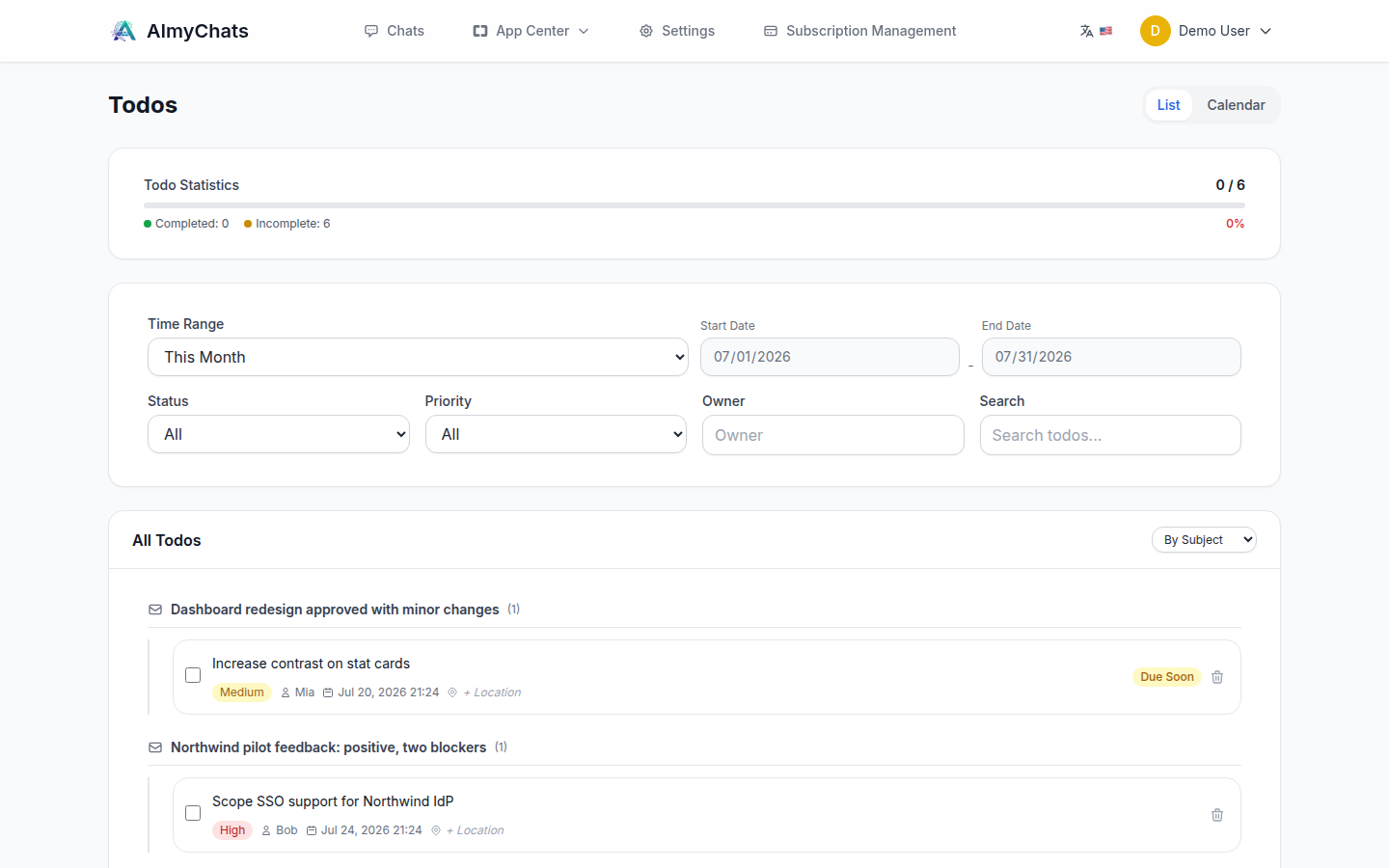
Action items extracted from conversations appear under TODOs (/todos), including any deadlines detected during processing. Use it as a lightweight follow-up list across all your conversations, with filters by time range, status, priority, and owner.
Smart delivery (Relay)
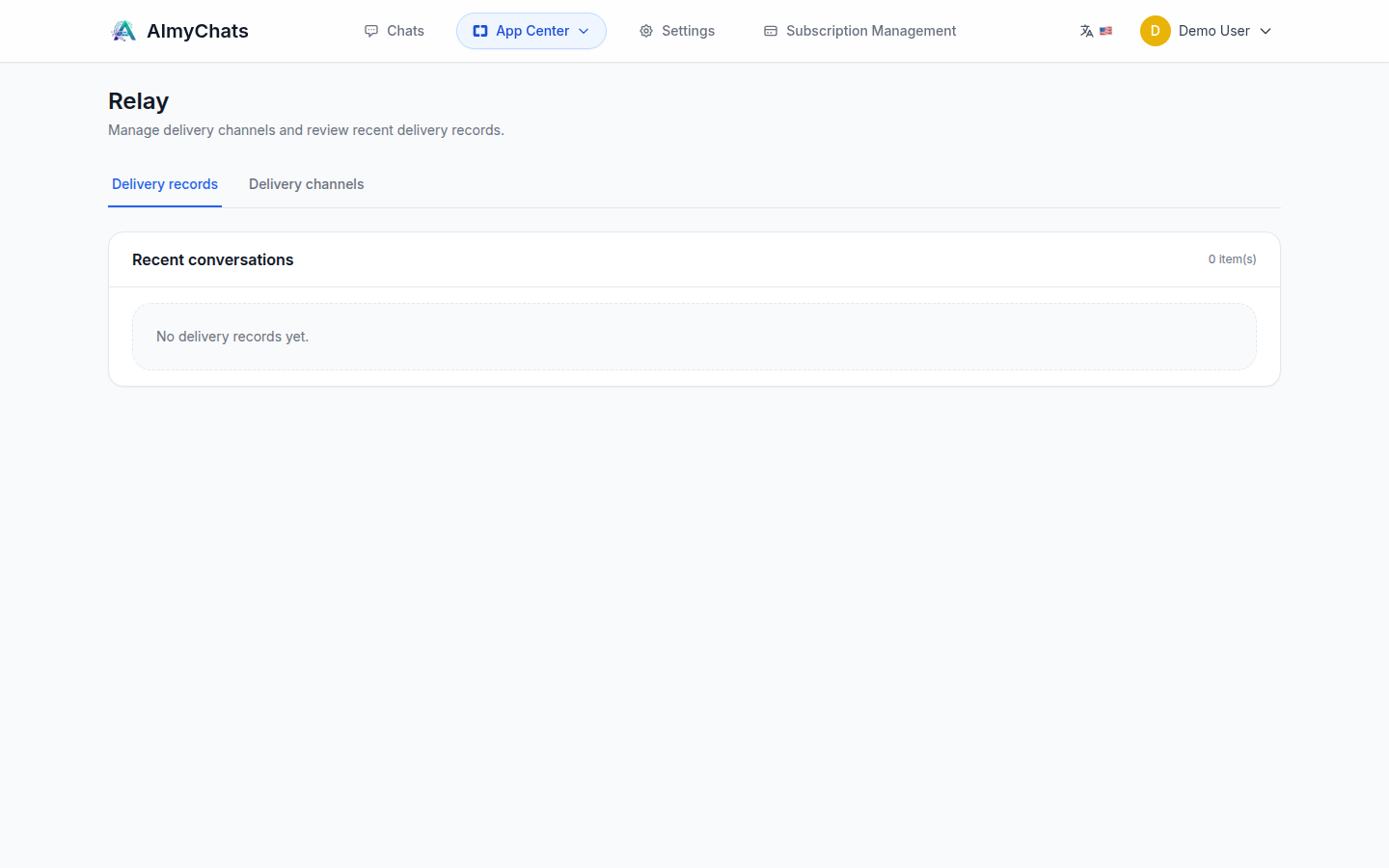
Relay delivers completed workflow results to an external system. Open it from the App Center → Relay (/apps/relay).
Add a delivery channel
- In Relay, create a new channel and choose a target type:
- Feishu Bitable — write a record into a Feishu multi-dimensional table.
- Jira — create an issue.
- Fill in the connection details for the target (see below).
- Use Test delivery to validate the configuration with a sample payload and attachment before saving.
Feishu Bitable channel
| Field | Notes |
|---|---|
| App ID / App Secret | Feishu custom-app credentials |
| App Token type | Bitable (paste the App Token from the URL) or Wiki (paste the Wiki node token; the backend resolves the writable token automatically) |
| App Token / Wiki node token | Per the type above |
| Table name | Must match the Feishu table name exactly |
| Field mappings | Map Feishu column names (left) to internal fields (right) |
| Attachment field name | The Feishu column that receives attachments |
Common internal fields for mapping: summary_title, summary_content, llm_content, title, description. Use attachment_count if you only need a count rather than the files.
Permissions: the Feishu app must have write/edit permission on the target table (and drive upload permission for attachments). If reads succeed but writes fail with a forbidden error, re-check the app's collaborator permission on the Wiki node / Bitable.
Jira channel
Provide the Jira URL, credentials (username + API token), and the field configuration (project key, issue type, priority, summary prefix, and description handling).
Delivery records & retry
The Relay page lists recent deliveries with their status. A failed delivery can be retried from its record.